
Event entry
$2.99 per event
Required to stand up a host event: QR, guest uploads, and the album. Consumable — you buy it again for the next event.
AlbumKo is the host app for that night. Guests scan a QR, take a photo, and it lands in one Drive folder or Cloud album. They never install anything.
Coming soon onGoogle Play
Want to see the guest camera? Try guest demo
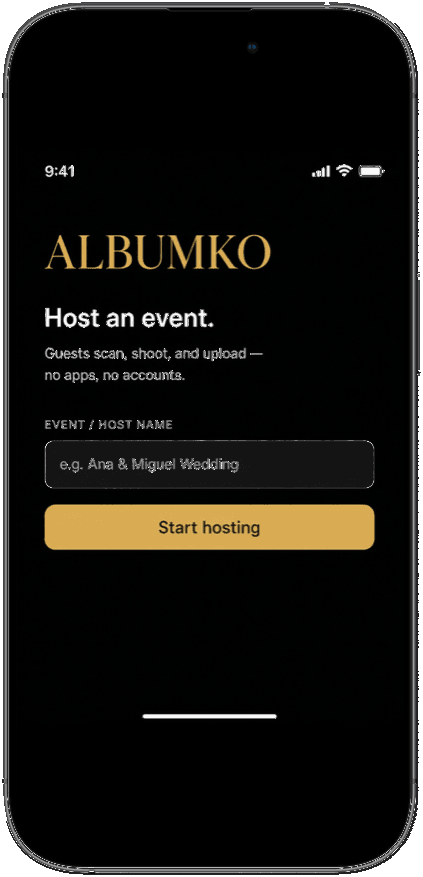
Someone dumps 80 images into Messenger. AirDrop dies at table twelve. The hired photographer cannot be at the cake and the parking lot. By Monday the night exists as fragments.
AlbumKo gives the host one live album while the event is still going. Guests shoot into it. You leave with the folder, not a scavenger hunt.
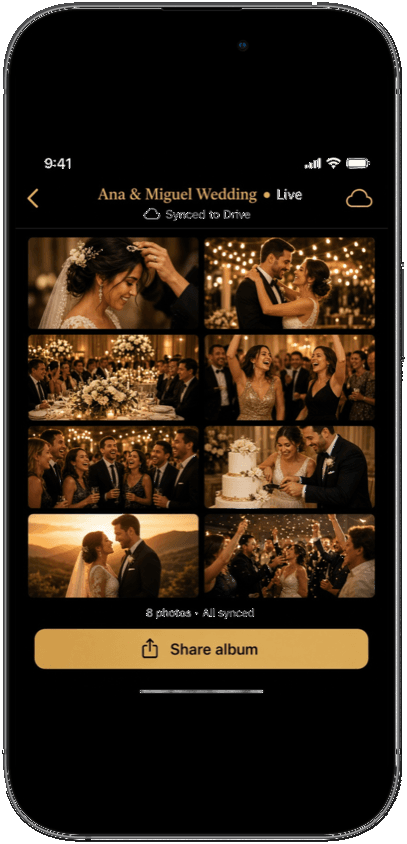
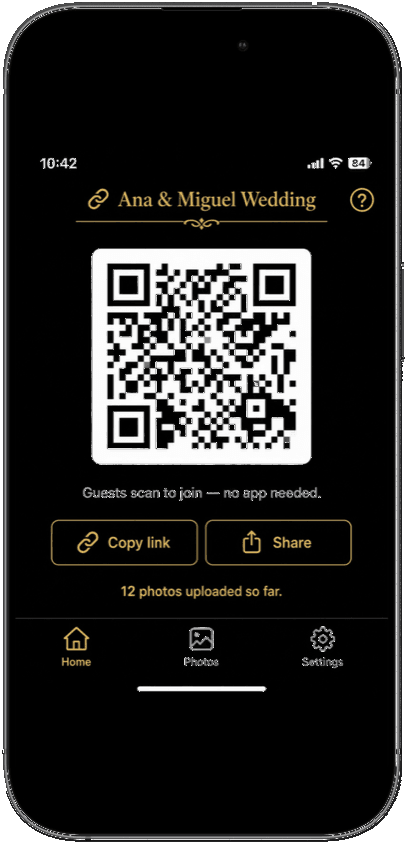
01 — Host
Sign in with Apple or Google. Pay the event entry in the App Store. Pick Google Drive or AlbumKo Cloud. The QR is your invite.
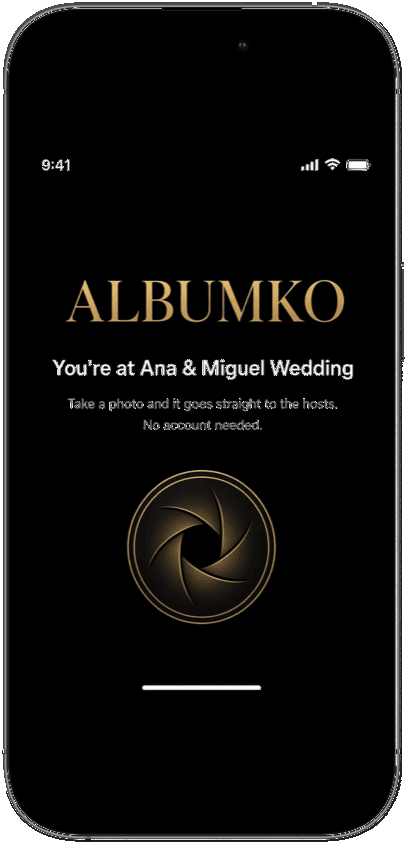
02 — Guests
The link opens in the phone browser. No login. They take a photo and it uploads on the spot. Android guests can do this today even while the host app is iOS-only.
03 — Limits
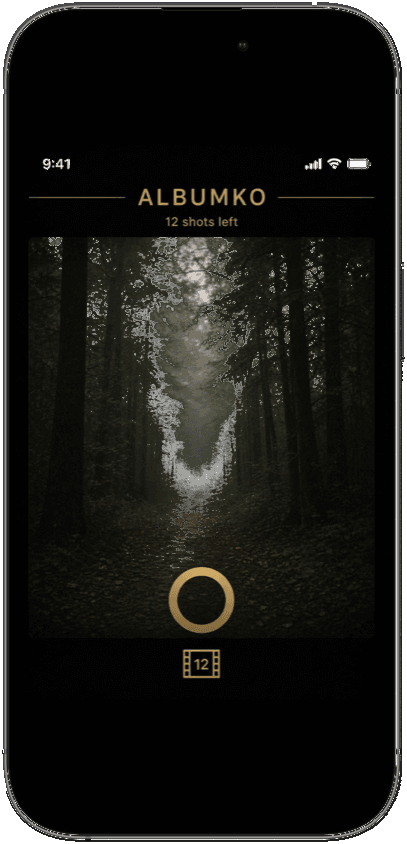
Each guest has a soft limit. The event has a hard cap. When they are out of shots, the camera says so — it does not silently keep writing.
Prices below are USD display amounts. Apple (and Google Play, when Android ships) charge in your store currency. Those stores are the source of truth.
$2.99 per event
Required to stand up a host event: QR, guest uploads, and the album. Consumable — you buy it again for the next event.
Included with the event
Photos write to a folder in the host’s Drive. You already pay Google for that storage. AlbumKo does not add a Drive surcharge.
$5.99 / month
Optional, only if you skip Drive. Yearly is $59.88. Quota is 1 GB per entitled event. Cancel in App Store subscriptions.
No. Only the host uses the app. Guests open the QR in Safari or Chrome, take a photo, and leave. No account, no download.
One event in the host app: sign-in, storage setup, QR, and the live album. Apple (and Play, when it ships) charge this in your local currency. It is a one-time in-app purchase per event, not a host subscription.
Drive is the bring-your-own door: photos land in a folder you own. Cloud is Joe-hosted storage if you do not want to connect Drive. Cloud is a separate subscription with a 1 GB cap per event. You pick one door per event, not both.
Not yet. The host app is live on the App Store. Android is in progress; this page will link Google Play when that listing is up. Guests on Android phones can already upload through the browser QR.
On the door you chose. Drive files stay in the host’s Google Drive folder. Cloud files stay in AlbumKo Cloud until you export or delete them in the app. AlbumKo does not post them to a public feed.
Store purchases go through Apple or Google. Refunds for those charges follow the store’s rules. Company-level terms are in the Joe Solutions Refund Policy linked in the footer.